A useful annual report helps people understand what your organisation did, what changed and where the supporting detail can be found. Design should make that information easier to navigate, not turn every result into a success story.
For government, education, community and professional-services organisations, the starting point is the same: agree the readers, required content, formats and approval process before layout begins. This guide covers the design and production decisions, rather than determining your organisation's reporting obligations.
List the people who will use the report and the questions they need answered. A board member may need to compare performance across years. A community member may want to understand a programme's reach. Staff may be looking for a clear account of priorities and progress.
Agree the contents and section order before developing a cover concept. Separate the overview, performance narrative and detailed statements so readers can move between them. Retain required wording and disclosures, and have the appropriate people in your organisation confirm what must be included.
Your brand provides a visual framework: typography, colour, image treatment and tone. It should help the report feel connected to your other communications without making dense information harder to read. Design cannot validate the underlying figures or replace the approvals your organisation needs.
Test a small set of representative pages before laying out the whole document: a section opener, a text-heavy spread, a chart and a financial table. This reveals whether the proposed type sizes, column widths and heading hierarchy work with real content.
Use consistent captions, page references and section labels. Check long headings, footnotes and tables that run over more than one page. A layout that works with sample text may need adjustment once the final material arrives.
Choose a chart only when it adds meaning. A simple table may be better when readers need exact figures. Include the period, units, source and any qualifications needed to interpret the data. Keep scales and comparisons honest; do not make a modest change look dramatic through an unexplained axis or visual effect.
Do not rely on colour alone to distinguish results. Use clear labels and provide an appropriate text or table alternative. The NSW Design System's charts and graphs guidance offers practical principles for clear, accessible data presentation.
Supply editable data rather than screenshots wherever possible. Give each chart or table a source-file reference and an owner who can confirm it. When a figure changes, check its appearances in the executive summary, charts, tables and captions, not only the page where the change was requested.
A printed report, a downloadable PDF and an HTML report serve different reading situations. Choose the formats your audience needs and include their production requirements in the brief. A shorter overview can sit alongside a full report, provided it is clearly labelled and points readers to the complete information.
For print, confirm the finished size, quantity, binding, paper and delivery requirements with the production supplier. Check image quality at the size it will be reproduced and use the supplier's artwork specifications, rather than assuming one resolution or colour setting suits every job.
A visually tidy PDF is not automatically accessible. Agree the required accessibility standard, responsibilities and testing approach before design starts.
W3C's PDF reading-order guidance explains why logical structure matters and why complex layouts need checking after conversion. Review the exported document's reading sequence and keyboard navigation, particularly around columns, sidebars and footnotes. Its PDF table guidance also explains how table headers and data cells need meaningful structure. Automatic export alone is not proof that those relationships are correct.
For a web report, include mobile layout and accessibility testing in the scope. Animation or an interactive chart is not, by itself, an accessibility improvement. Check that readers can obtain the information without depending on a particular visual effect or interaction.
There is no single lead time that suits every annual report. Work backwards from the required release or delivery date, allowing for the content, design, review and production tasks your report actually needs.
Our checklist for preparing content for publication design covers the files and information to organise before handover.
Nominate one person to coordinate comments. Ask reviewers to identify the page, the exact change and, for data corrections, the approved source. Keep a record of the version being reviewed. If two reviewers disagree, resolve that before sending instructions to the designer.
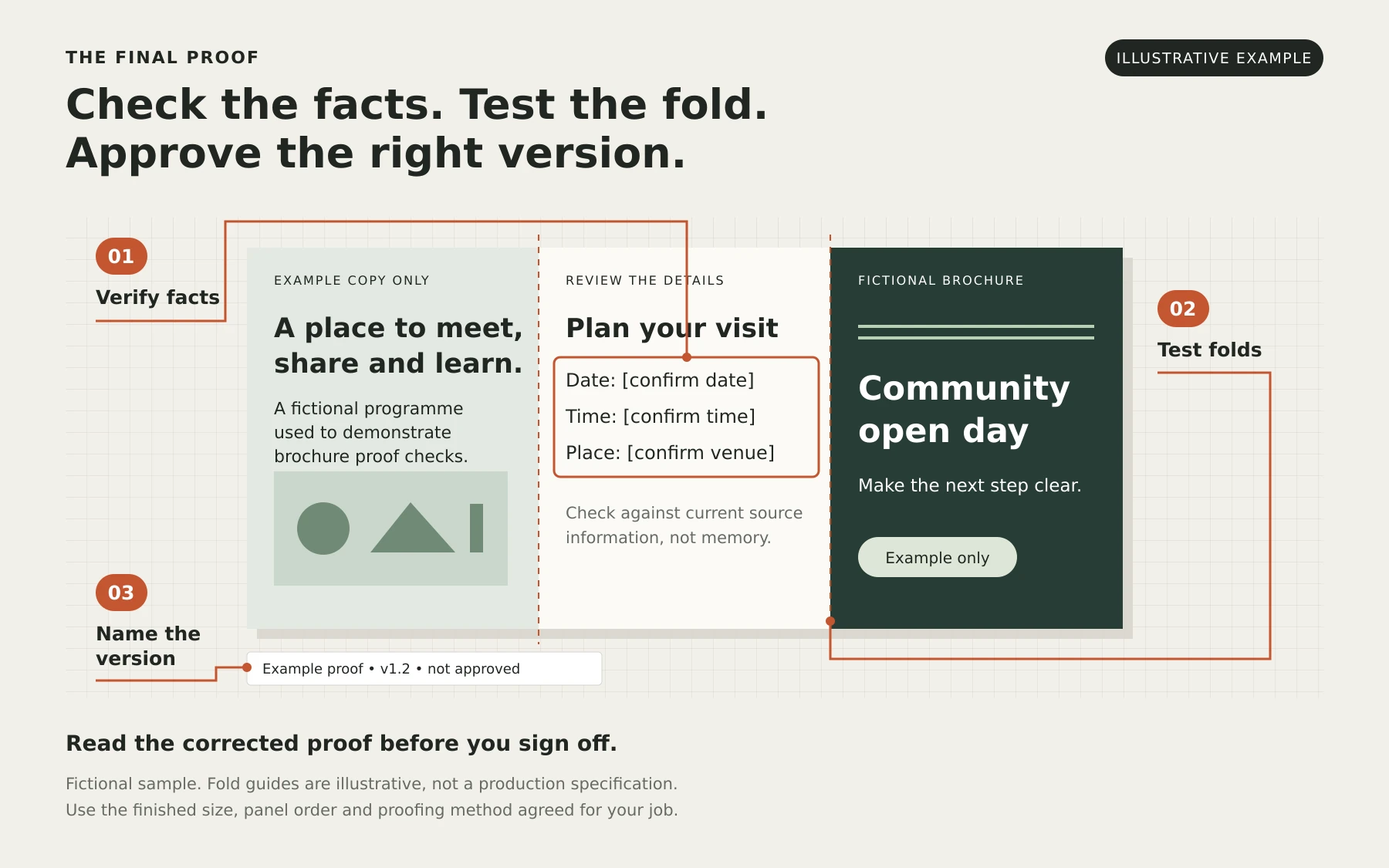
A last-minute replacement can affect page flow, contents entries and cross-references. Allow time to recheck the changed material and its dependencies. The principles in our proof-approval guide also help with version control and final-file checks.
Send your previous report, current brand guidelines, a draft contents list and examples of the material that is ready. Include estimated length, tables and charts, image availability, required formats and the approval calendar.
Identify any work that needs separate agreement, such as editing, photography, accessibility remediation or testing, printing and web development. Confirm who is responsible for each task rather than assuming it is included in a design quote. If content is still being prepared, explain which sections are likely to change.
Seamer Design's publication work includes annual reports and other long-form communications. Explore our graphic design and publication services in Melbourne or graphic design services in Ballarat, then tell us about your report so the scope can be discussed.
Before release, ask someone who has not worked on the layout to find a key result, its supporting detail and the relevant explanation. Their path through the report can reveal confusing labels or missing references. Keep that reader check separate from formal content, financial and accessibility approvals.
Representative layouts and the visual approach can be developed with clearly labelled provisional content. Agree when final figures will arrive, who will approve them and how replacements will be checked. Do not let placeholder data reach the release files.
The design can share a visual system, but the outputs need separate checks. Print production specifications, PDF navigation and accessibility requirements are not interchangeable. Confirm the deliverables at the start.
Name the responsible content or financial reviewer in your project plan. Design proofing can check how information is presented, but it does not replace checking the data against approved records or any required financial review.
Agree the formats, approximate length, content readiness, review rounds and responsibilities before quoting. Record changes to that scope as they arise. Ask for production options that suit the actual readership and quantities rather than adding finishes or features without a clear purpose.